Shelf turns the phone in your pocket into a shared drive for every device on your WiFi. Browse it from any browser, send phone-to-phone like LocalSend, mount it as a network drive over WebDAV or FTP, and let it download for everyone. Nothing leaves your network.
shelf.local works as the address.


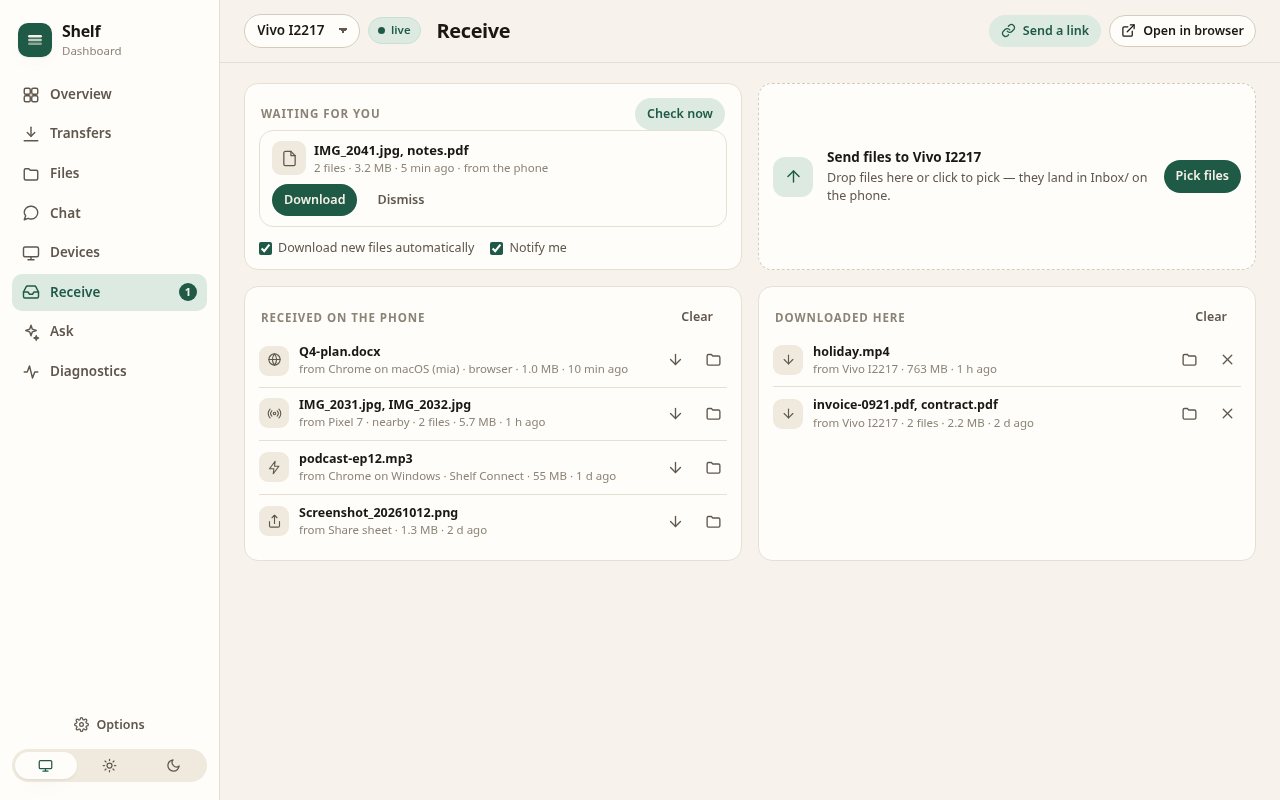
The dashboard keeps every phone live: transfers, files, chat, devices and the Receive page with a drop zone that sends straight into Inbox/. It polls only while it is visible and updates in place, so nothing blinks.
Right-click any link, image or page: the phone downloads it. Drop files on the popup. Alt+Shift+S sends the tab you are on.
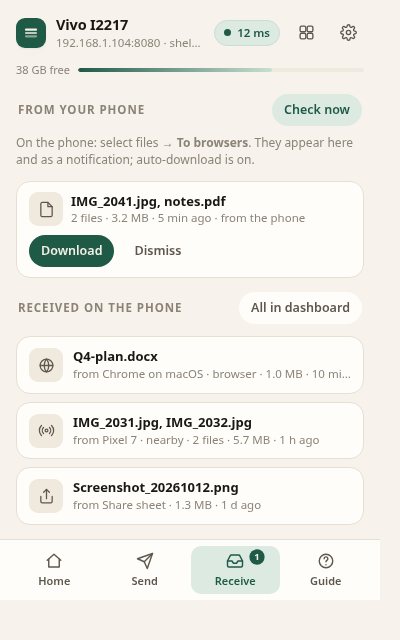
Select files on the phone and tap To browsers: a notification appears and, with auto-download on, the files land in your Downloads folder.
Summarise a page into chat or ask about a folder with Chrome's built-in model or your own Claude API key. File contents never leave the phone.

Everything a household needs stays free. Pro unlocks the tools people run a small office on, sold only through Google Play as a monthly or yearly subscription or a one-time lifetime purchase.
Google Play Billing only: subscription shelf_pro or the one-time shelf_pro_lifetime. Restore on any phone with the same Google account, cancel in Google Play. The app never sees your card.
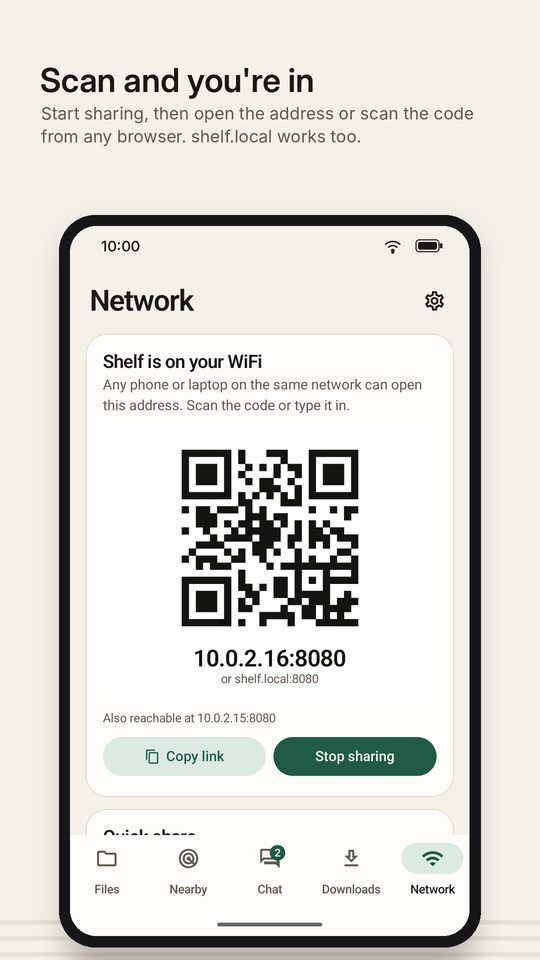
Open Shelf → Network → Start sharing. The phone shows an address and a QR code.
Scan the QR or type the address in any browser on the same WiFi. Laptops can also mount it as a drive.
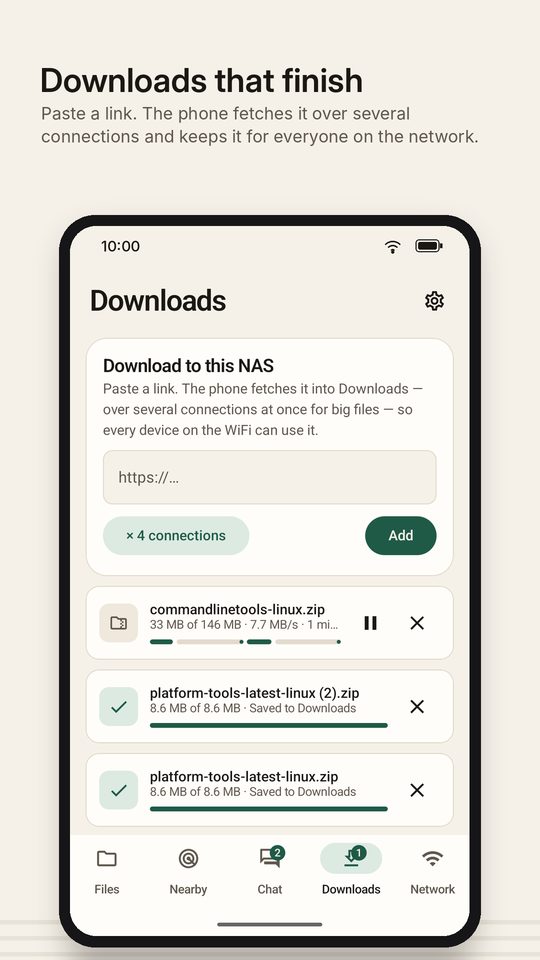
Drag into the browser, send phone-to-phone from Nearby, push files to browsers with To browsers, or paste a link for the phone to download.
Network → Create private network. Others join that WiFi with the join QR and open Shelf there.
Big files are split into 8 MB chunks sent over four connections, each landing at its own offset in a pre-sized file. A reload, a WiFi drop or an app restart continues where it stopped; an optional SHA-256 is verified before the file appears.
The download manager probes a server for Range support and fetches up to eight byte ranges at once, each resumable on its own, each with its own progress bar.
Multicast announcements on port 53317, HTTP registration, prepare-upload sessions, the PIN handshake and partial accept. Real LocalSend apps see Shelf and can send to it.
PROPFIND, PUT, MKCOL, MOVE, COPY and class-2 locks, so Finder and Explorer treat the phone as a drive. FTP with passive mode, resume and MLSD listings.
The phone signs its own elliptic-curve certificate for shelf.local and its addresses. Browsers warn once; install the certificate for a permanent padlock.
No relay, no account server, no analytics. The app only talks to devices you connect and to links you paste for it to download.
| Shelf | Cloud drive | LocalSend | USB cable | Bluetooth | |
|---|---|---|---|---|---|
| Works without internet | Yes | No | Yes | Yes | Yes |
| No app needed on the other device | Browser is enough | App or site login | App on both | Yes | Yes |
| Browse, preview and manage files remotely | Yes | Yes | Send only | Mount only | No |
| Big files resume after a drop | Yes | Usually | Restart | n/a | Restart |
| Mount as a network drive | WebDAV, FTP | Client app | No | MTP | No |
| Phone downloads links for everyone | Yes | No | No | No | No |
| Typical speed on 5 GHz WiFi | 15–40 MB/s | Your uplink | 15–40 MB/s | 40+ MB/s | ~1 MB/s |
| Your files stay on your devices | Always | Uploaded | Always | Always | Always |
More detail in Shelf vs LocalSend and phone-to-PC transfer without cloud.
The listing com.shelf.nas is in review. It will appear at the Play link once approved; Pro purchases only work through Play.
Open on Google PlayRelease build, signed, about 5 MB, no native code. Android 8.0 or newer. Allow "install unknown apps" for your browser once.
shelf-1.8-release.apkSHA-256 4730f59e…2485
Shelf Connect 2.2, unpacked: unzip, open chrome://extensions, turn on Developer mode, Load unpacked. Also served by the phone at http://phone:8080/extension.
All files access so any folder can be shared · Notifications for status and arrivals · Nearby devices / WiFi name only for the private network and trusted-WiFi auto-start · Bluetooth only for the paired-devices list. A first-run sheet explains each; see the privacy policy.
Start sharing, open the address on a laptop, mount it as a drive, keep it running. Everything stays on your WiFi.
Read → Comparison · 5 minShelf speaks the LocalSend protocol and adds a web file manager, WebDAV, FTP and a download manager.
Read → How-to · 6 minFinder, Explorer, GNOME Files and FileZilla, step by step, including the one Windows registry setting.
Read → Guide · 5 minFour ways to move a 4 GB video in a minute, and which one to pick.
Read →Yes. Shelf runs a small file server on the phone. Any device on the same WiFi opens the phone's address in a browser to browse, preview, upload and download, and laptops mount the phone as a network drive over WebDAV or FTP. Nothing is uploaded to the internet. Full walkthrough in the setup guide.
Both devices must be on the same WiFi, and some guest or public networks block device-to-device traffic ("AP isolation"). The private network (Network → Create private network) always works. Also check that sharing is on and the port (default 8080) is the one in the link.
Yes. Shelf speaks the LocalSend v2 protocol: LocalSend apps see Shelf as a device and can send to it, and Shelf can send to them. If you set a Nearby PIN, LocalSend asks for it before sending.
macOS, iOS, Windows 10+ and Linux with Avahi resolve .local names. Android Chrome usually needs the IP address, which is always shown next to the QR.
Windows refuses Basic authentication over plain http unless HKLM\SYSTEM\CurrentControlSet\Services\WebClient\Parameters\BasicAuthLevel is set to 2. In open access mode no sign-in is needed and it maps without changes. FTP in the Explorer address bar needs no registry change. Details in the WebDAV guide.
So that any folder can be shared and the file manager can show Camera, Downloads, Documents and SD cards. Shelf never uploads anything anywhere; see the privacy policy.
Set a PIN or accounts first (Settings → Access), set Nearby visibility to Trusted only, and turn on HTTPS. Or use the private network, which only your invited devices can join.
Some phones kill background apps. Settings → Background → Battery optimisation → mark Shelf as not optimised. Pro adds "Start sharing at boot" and "Auto-start on trusted WiFi".
On 5 GHz WiFi expect 15–40 MB/s for browser uploads and downloads; the speed test on the Network page shows what your link can do.
Email support@canwe.tech with your Android version and what you tapped. Include a screenshot of Settings → About.
Share tab with Receive and Send; ask before accepting browser uploads (notification with Accept / Decline, "always allow" for trusted senders); Receive QR; fixed the "missing chunk" error on parallel uploads; pull-to-refresh in the web page and extension.
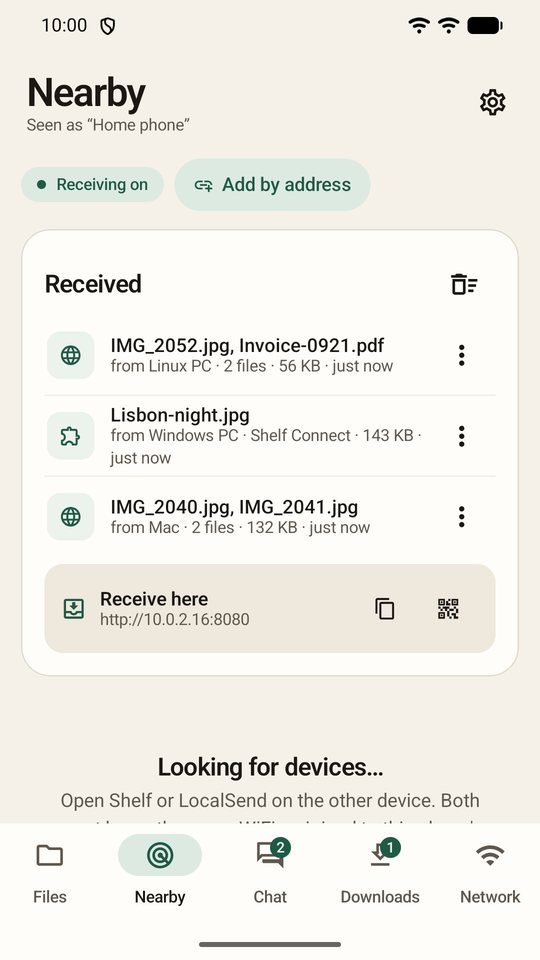
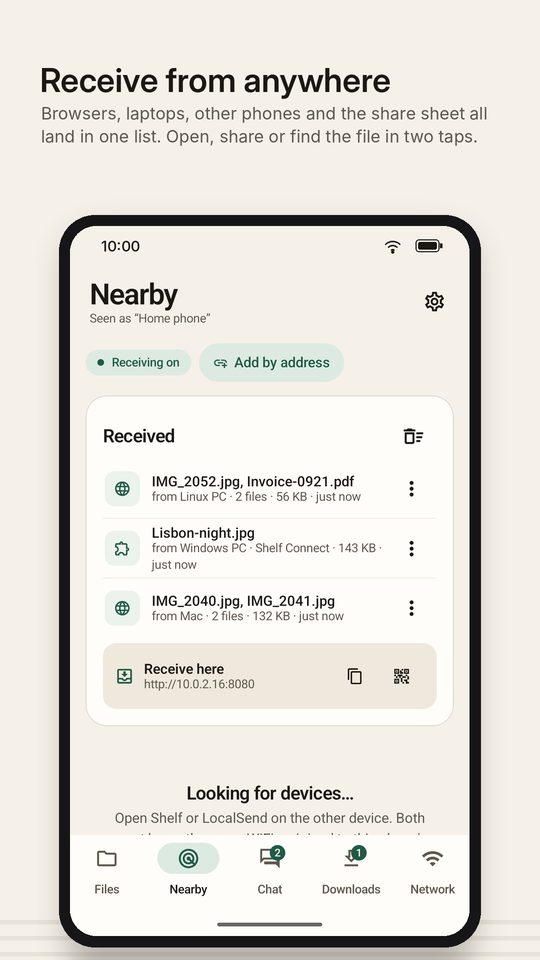
Received, everywhere: one ledger of what landed on the phone (browser and extension uploads, nearby receives, WebDAV, the share sheet) in the app, the web page and the extension; Receive pages are never empty; web and extension Receive pages send into Inbox/; badge and quiet notification for new arrivals. Shelf Connect 2.1 with a redesigned Receive view and a received list in the popup.
Shelf Pro through Google Play Billing (monthly, yearly or lifetime); Quick share: pick files → link + QR, also from any app's Share sheet; the Chrome extension is served by the phone at /extension.
Adaptive layouts for every screen size and rotation; pinch-to-zoom photos and a full-screen viewer; About and legal screen with the privacy policy and data erase; prominent disclosure before the location permission.
HTTPS with an on-device certificate; diagnostics with log viewer and crash reports; backup and restore; transfer notifications; received media shows in Gallery immediately.
FTP server; Nearby visibility modes, PIN, add by address, per-file accept, history; start at boot and auto-start on trusted WiFi; pinned folders, hidden files, search everywhere, largest files, batch rename.
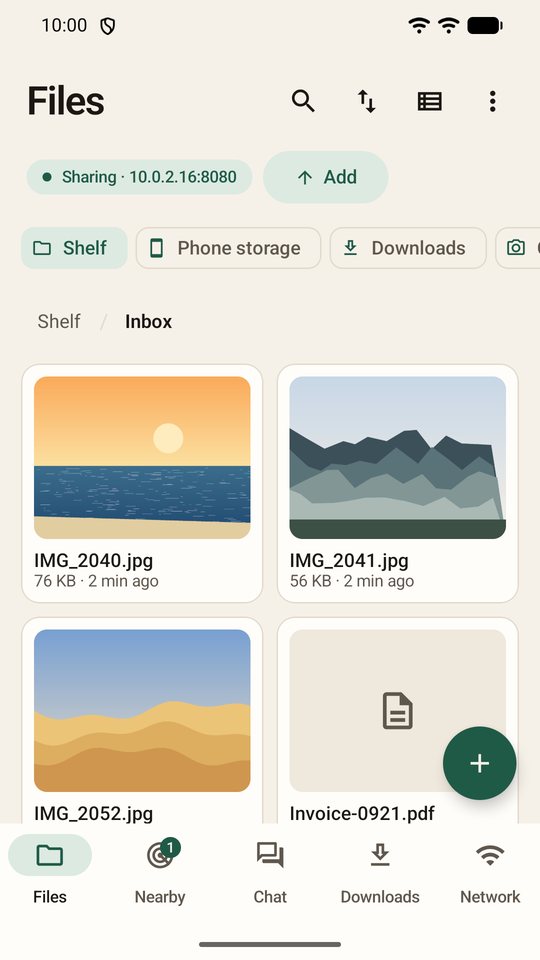
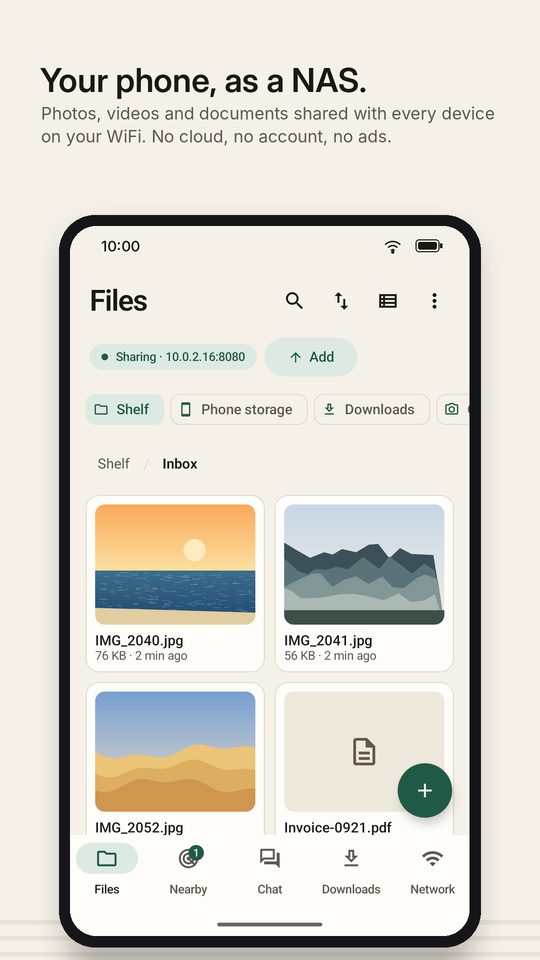
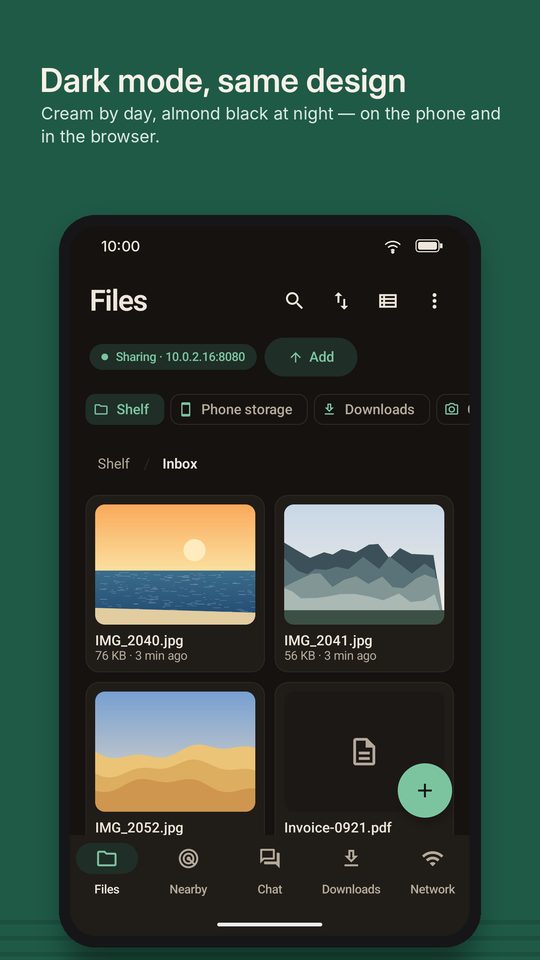
Whole-phone file manager; resumable 4-connection chunked uploads with checksum; WebDAV; share links; drops to browsers and the Shelf Connect Chrome extension.
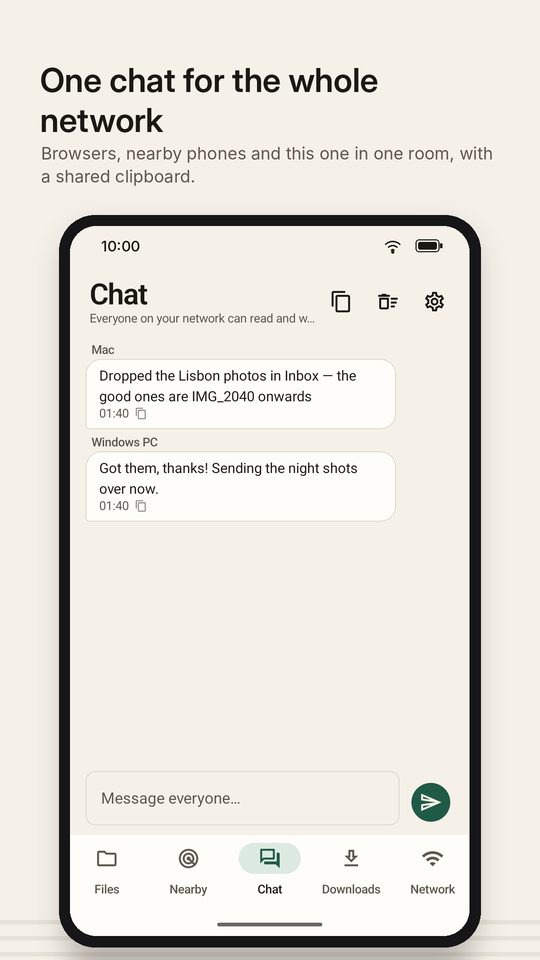
Nearby tab (LocalSend-compatible); chat and shared clipboard; accounts with roles; multi-connection downloads; private network with join QR; shelf.local; speed test; Bluetooth send.
File manager, browser link with QR, uploads and downloads, download manager, devices list, share-sheet receiving, background service, optional PIN.